
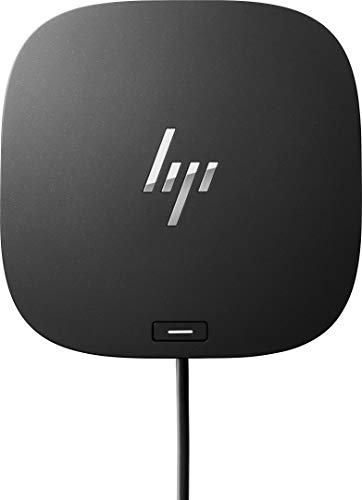

4 products

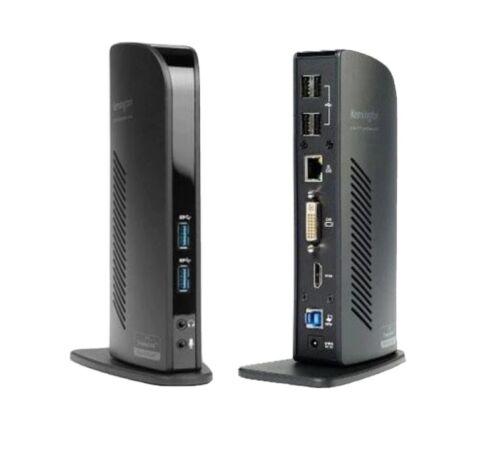

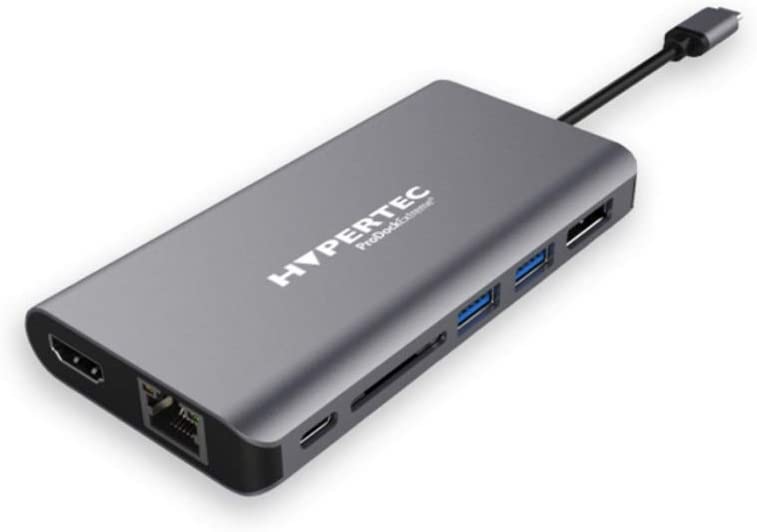

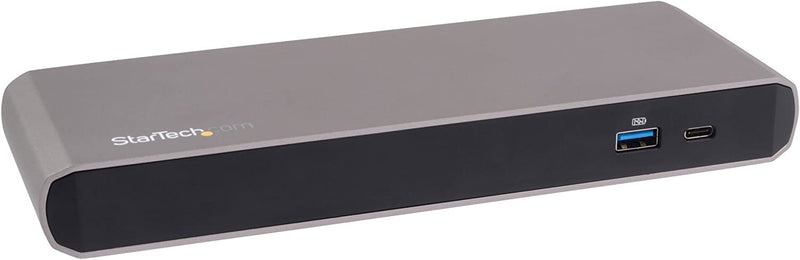
Find the perfect MacBook docking station at Docks4u — the UK's dedicated specialist in laptop docking solutions. Apple's MacBook range is powerful, portable, and brilliantly designed, but its limited port selection leaves most professionals needing more. A quality USB-C docking station for MacBook solves that instantly, connecting dual monitors, Ethernet, USB peripherals, and charging through a single cable.
Browse our Mac-compatible dock collection and enjoy free tracked delivery across the UK.
Modern MacBook Pro and MacBook Air models rely almost entirely on USB-C and Thunderbolt ports. That's great for portability, but frustrating at your desk.
A MacBook Pro docking station gives you back all the ports you need without compromising Apple's elegant design philosophy. Connect your external displays, wired keyboard and mouse, Gigabit Ethernet, SD card reader, and USB storage, all through one cable. When you leave, unplug in seconds and you're ready to go.
Whether you're a creative professional in London, a developer in Edinburgh, or a business user in Manchester, a MacBook docking station is one of the most impactful productivity upgrades you can make.
Before you buy, consider these key factors:
This is the most common question MacBook users ask and the answer depends on your MacBook model and workflow.
MacBook Pro models (2019 onwards) feature Thunderbolt 3 or Thunderbolt 4. A Thunderbolt MacBook Pro docking station delivers the fastest data transfer speeds (up to 40Gbps), supports daisy-chaining of multiple devices, and handles dual 4K or single 8K display output. It's the premium choice for video editors, engineers, and power users.
MacBook Air models and entry-level MacBook Pro machines use standard USB-C. A USB-C docking station for MacBook is fully compatible, more affordable, and still delivers dual display output, fast USB connectivity, Ethernet, and laptop charging. It's the smart choice for everyday professional use.
Our Mac-compatible range includes models from Targus, Kensington, StarTech, and more, all confirmed for macOS compatibility. Highlights include:
Docks4u supplies MacBook docking stations to creative agencies, tech companies, and professional services firms across the UK. Whether you're equipping a design studio in Shoreditch, a development team in Bristol, or a financial firm in Canary Wharf, we carry the right USB-C docking station for MacBook to suit your team's workflow and budget.
We offer competitive pricing on volume orders. Contact us to discuss bulk supply for your organisation.
Yes. Most USB-C docking stations for MacBook are compatible with both MacBook Air and MacBook Pro. Thunderbolt docks require a Thunderbolt-compatible MacBook Pro. Check each product listing for macOS version requirements and driver installation notes.
DisplayLink-powered MacBook docking stations require a free driver from the DisplayLink website — a quick, one-time install. Thunderbolt and standard USB-C docks typically work plug-and-play on macOS without any additional software.
Yes. Most MacBook Pro docking stations support dual monitor output. Note that MacBook Air (M1/M2) natively supports only one external display without DisplayLink software. A DisplayLink-based USB-C docking station for MacBook Air enables dual monitor use.
MacBook Air requires around 30W–65W. MacBook Pro 14" needs up to 96W; MacBook Pro 16" needs up to 140W. Choose a MacBook Pro docking station that delivers sufficient wattage to charge your model at full speed while in use.
Yes. All refurbished MacBook docking stations at Docks4u are professionally tested and inspected before dispatch. Each carries a 1-year warranty, giving you full confidence in performance at up to 40% less than the new retail price.